Are we there yet?
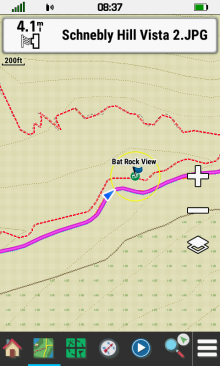
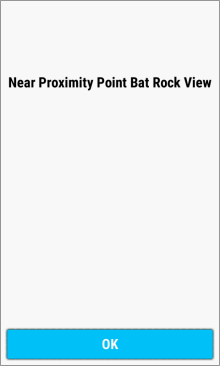
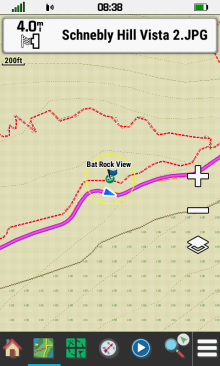
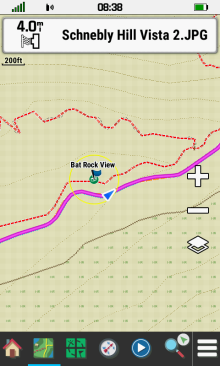
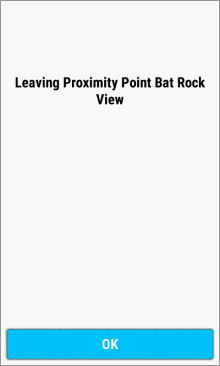
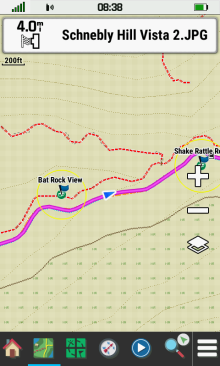
- Proximity Alarms alert you when you are within a specified range of selected locations.
Create Proximity Alarm
|

|

|
|
|---|---|---|---|
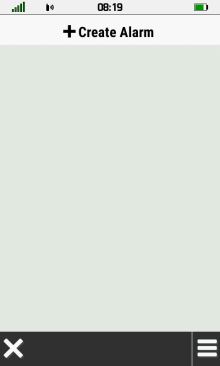
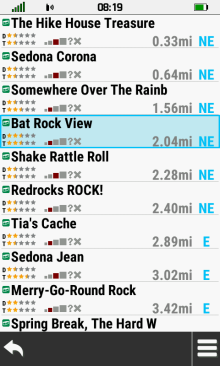
| Proximity Alarm List |
Select [+Create Alarm] |
Choose a category |
Select desired location |

|
|

|

|
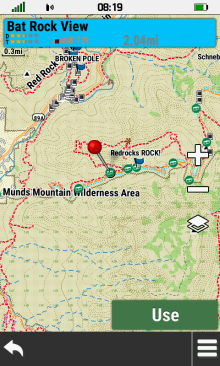
| Selected location displayed on map screen |
Select [Info Box] to view location details |
Location details displayed | Select [Use] |

|

|
|
|
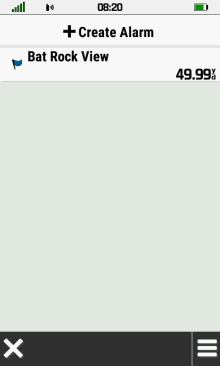
| Enter desired distance |  |
Proximity Alarm created |
Edit Proximity Alarm
 |
 |
||
|---|---|---|---|
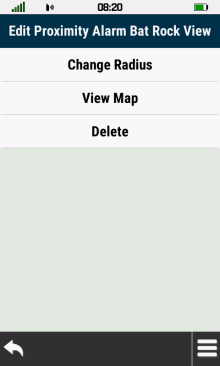
| Select desired Proximity Alarm |
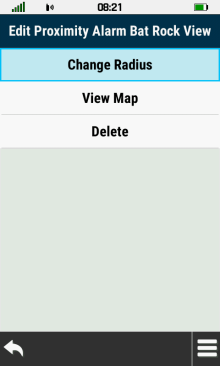
Proximity Alarm Edit Menu |
Change Radius
 |
 |
 |
 |
|---|---|---|---|
| Select [Change Radius] | Enter desired distance | |
Alarm distance is updated |
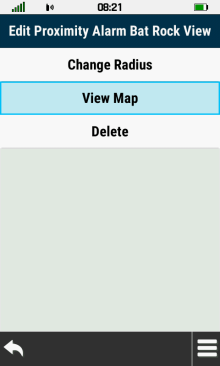
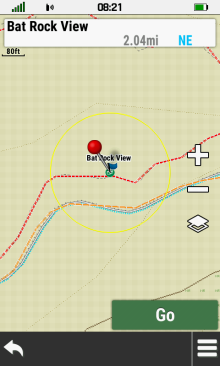
View Map
 |
 |
 |
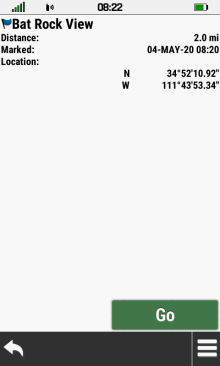 |
|---|---|---|---|
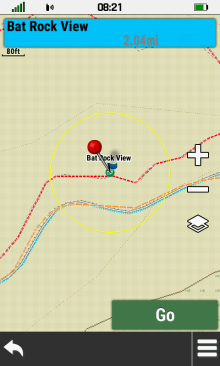
| Select [View Map] | Alarm radius is displayed | Select [Info Box] to view location details |
Location details are displayed |
Delete
 |
 |
 |
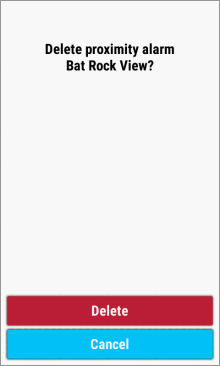 |
|---|---|---|---|
| Select [Delete] | Confirmation Menu | Select [Delete] to proceed | Select [Cancel] to abort |
Enable All Alarms
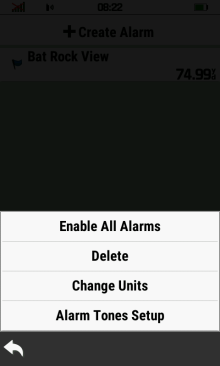 |
 |
 |
|
|---|---|---|---|
 |
Select [Enable All Alarms] |
Alarms are enabled |
Disable All Alarms
 |
 |
 |
|
|---|---|---|---|
|
Select [Disable All Alarms] |
Alarms are disabled |
Delete Multiple Alarms
 |
 |
 |
 |
|---|---|---|---|
|
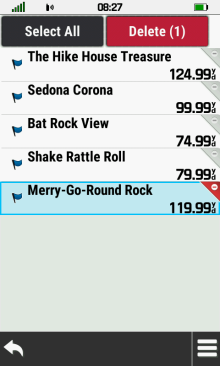
Select [Delete] | Proximity Alarm list | Select desired alarm |
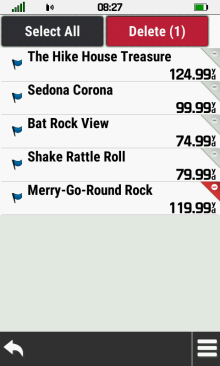 |
 |
 |
 |
| Selected alarm marked for deletion |
Select marked alarm | Selected alarm removed from list |
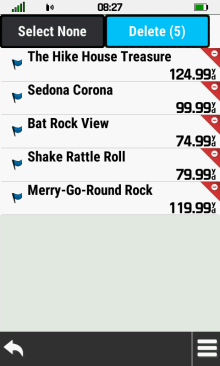
Choose [Select All] |
 |
 |
 |
 |
| All alarms added to deletion list |
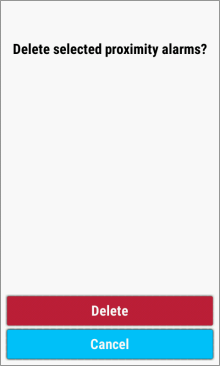
Select [Delete (x)] | Confirmation Menu | Select [Delete] to proceed |
 |
 |
 |
|
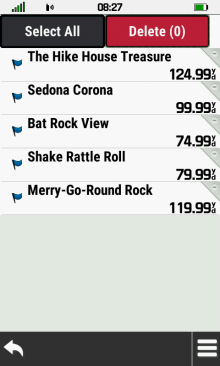
| Select [Cancel] to abort | Choose [Select None] | All alarms removed from deletion list |
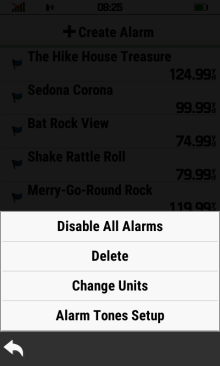
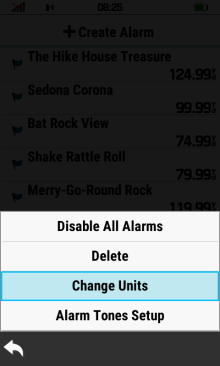
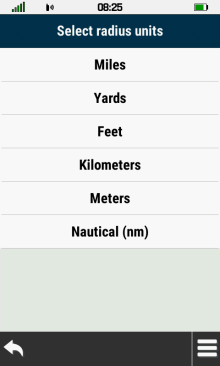
Change Units
 |
 |
 |
|
|---|---|---|---|
|
Select [Change Units] | Choose desired radius unit |
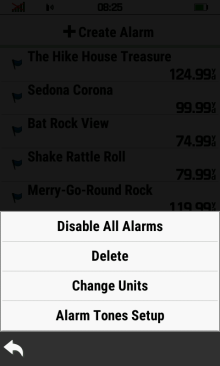
Setup Alarm Tones
 |
 |
||
|---|---|---|---|
|
Select [Alarm Tones Setup] |
Proximity Alarms